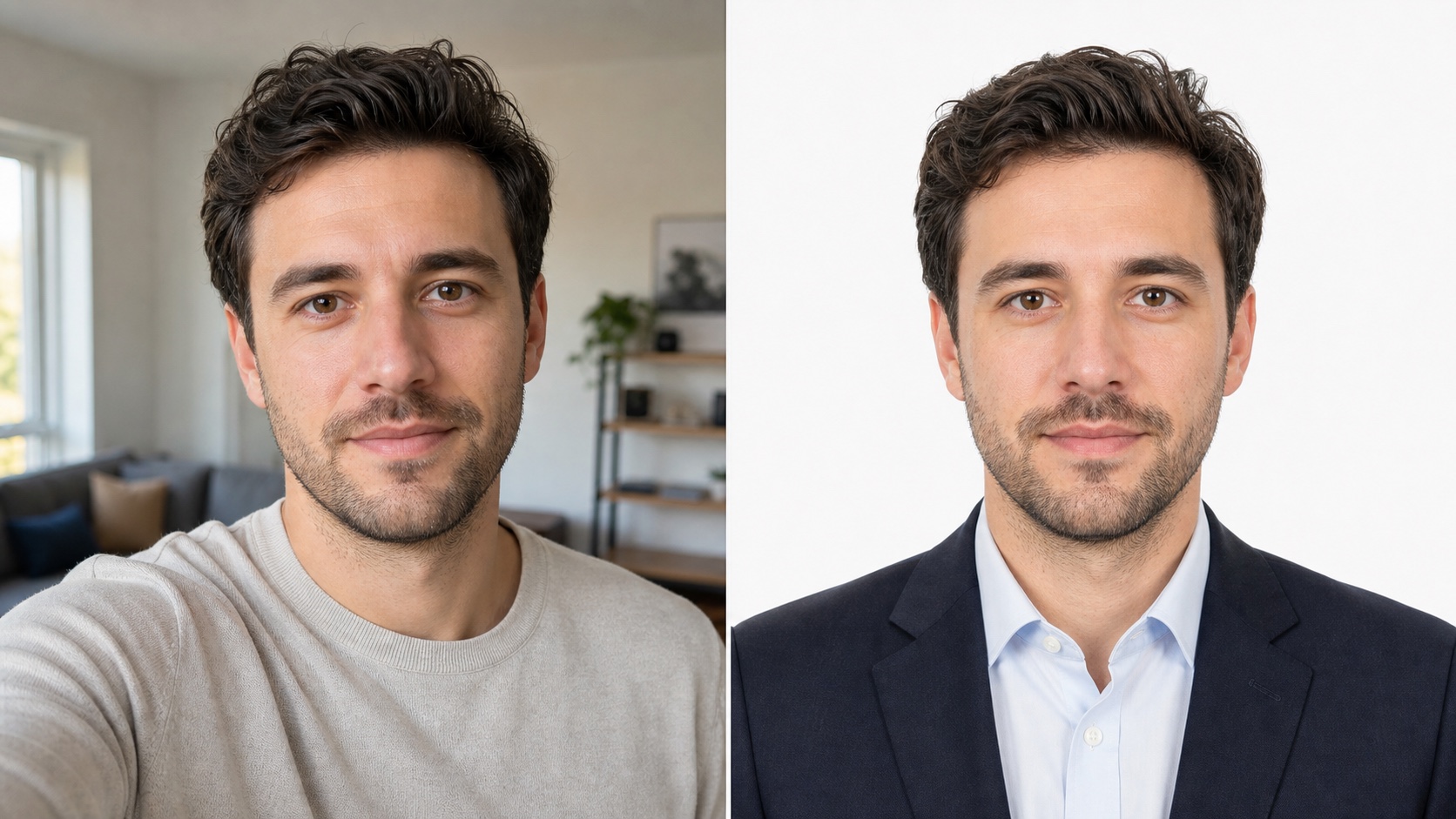
BeforeAfter
Profile picture for official identity
Turn a home selfie into a formal white-background profile picture for passport, visa, badge, or ID-style needs.
- Passport-ready
- White background
- 2 x 2 inch
Upload one clear selfie and generate a polished professional ID-style photo.
1. Fixed template
Professional ID portrait
RecommendedBackground
1. Fixed template
Professional ID portrait
RecommendedBackground
2. Drag or click
Use a front-facing photo with clear light and both eyes visible.
3. Preview and download
Professional ID Photo
WaitingBefore and after
A useful profile picture needs a clear face, balanced light, a believable background, and a crop that works across avatars, resumes, company pages, and official forms.
Turn a home selfie into a formal white-background profile picture for passport, visa, badge, or ID-style needs.
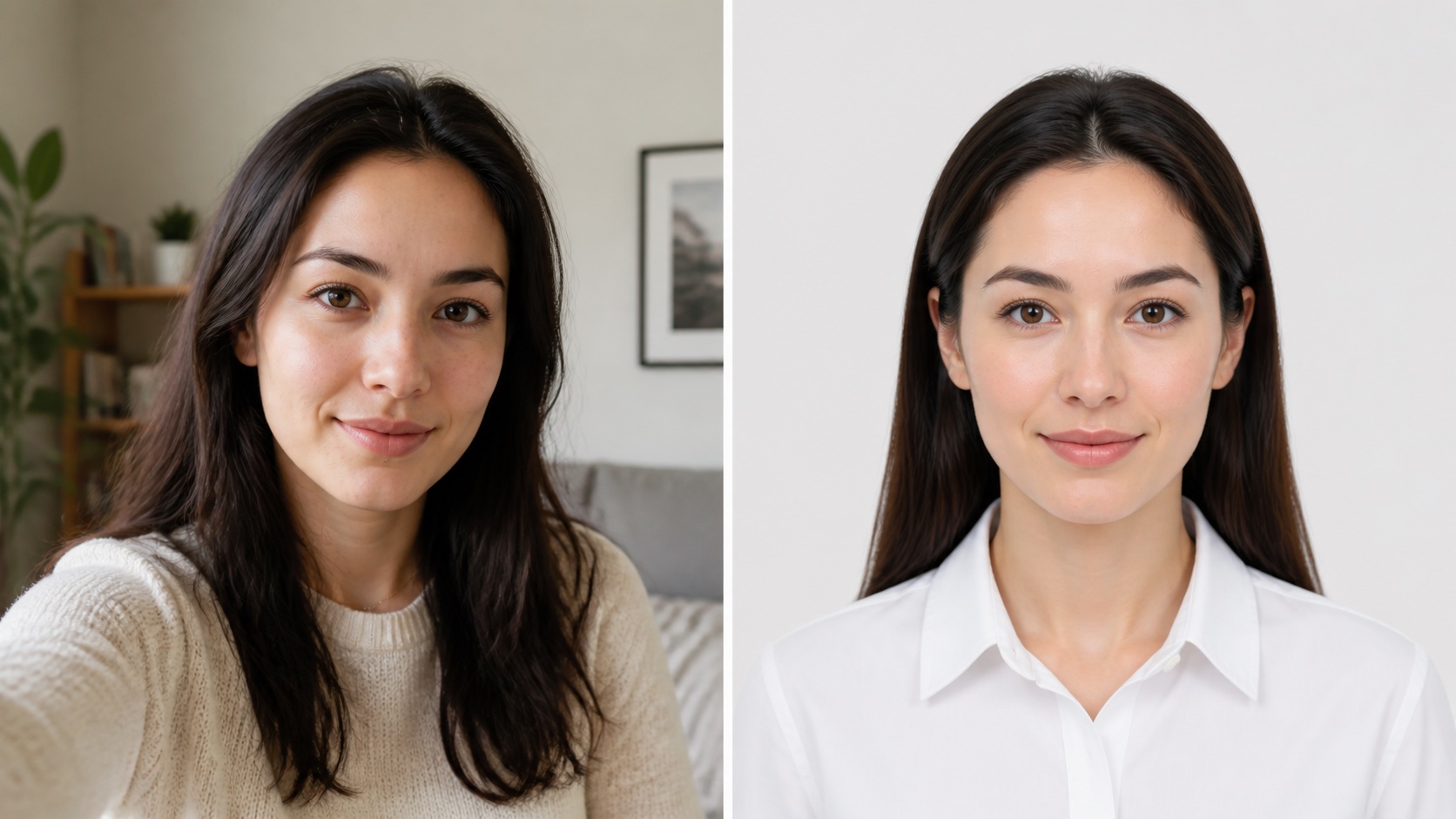
Keep identity recognizable while improving background, outfit presentation, and clarity for directories, badges, and internal accounts.
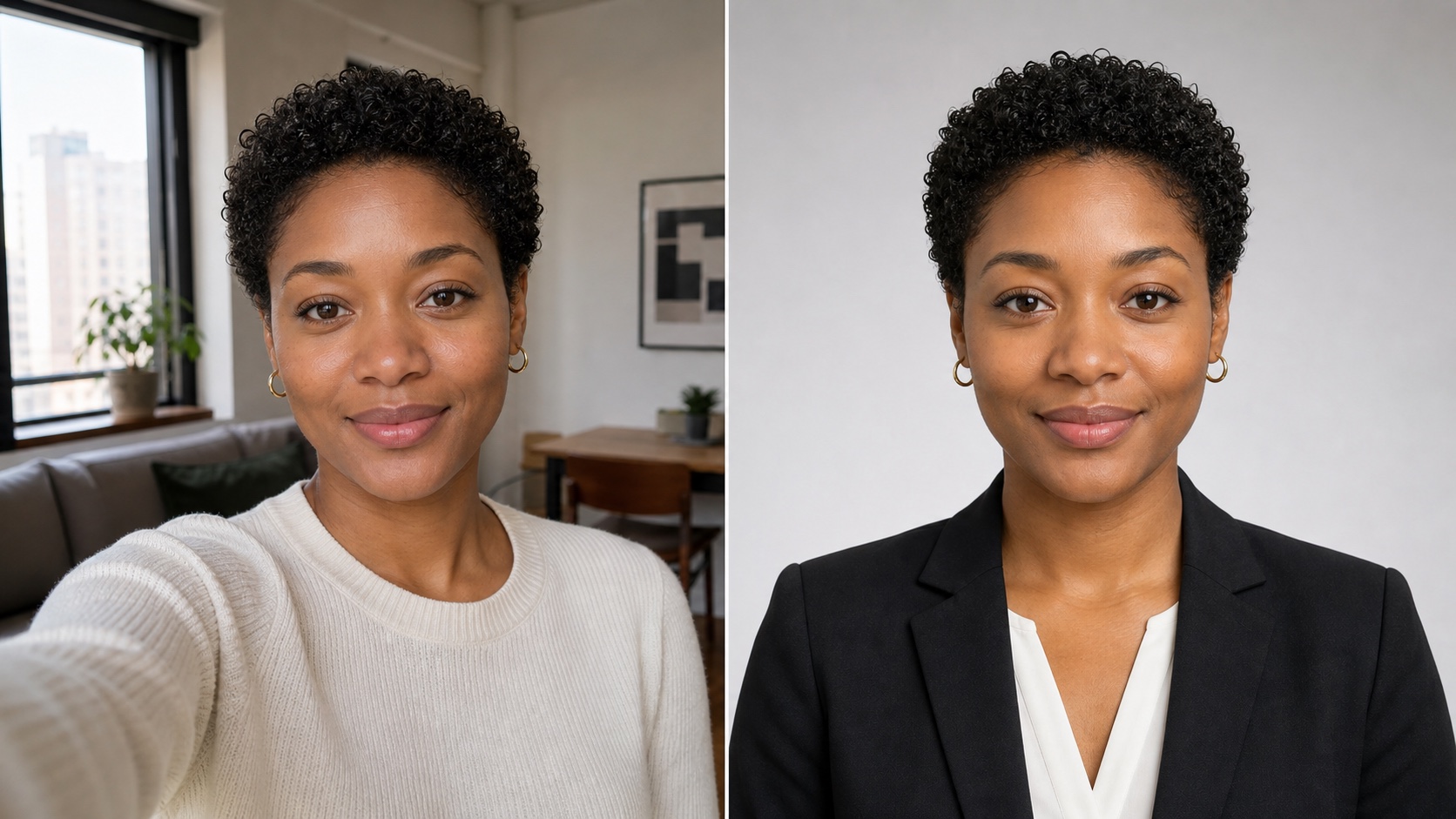
Create a polished profile picture for LinkedIn, resumes, company profile pages, speaker bios, and business communities without scheduling a studio shoot.
Features
ProfilePicturesMaker focuses on real places where profile pictures appear: LinkedIn, resumes, team directories, business accounts, school systems, passports, and visas. Upload one selfie and create profile pictures with cleaner lighting, a better crop, and a background that matches the use case.
Create profile pictures for work accounts, resumes, LinkedIn pages, portfolio bios, team directories, creator profiles, and official forms.
Use a professional profile picture maker to turn a casual selfie into a cleaner portrait with stronger lighting, crop, and background.
Make AI profile pictures for LinkedIn, job boards, CVs, personal websites, company bios, and public speaking profiles.
Use the same selfie for profile pictures and more formal crops for passport, visa, badge, license, student ID, and application needs.
Keep profile pictures consistent with neat backgrounds, balanced head-and-shoulders framing, and crops for round avatars or profile cards.
Save finished profile pictures for social accounts, hiring documents, online communities, team pages, applications, and personal brand updates.
Use cases
Profile pictures are used beyond one social network. Choose the use case first, then let the generator shape the crop, background, and presentation around that job.
Create LinkedIn profile pictures and AI profile pictures for LinkedIn that look polished without feeling overproduced.
Use a profile picture maker for resumes, CVs, job boards, hiring platforms, and portfolio pages that expect a clear portrait.
Use a business profile picture maker for founders, consultants, speaker bios, press kits, support profiles, and company pages.
Give remote teams, agencies, and small companies consistent profile pictures without booking a studio day.
Create approachable profile pictures for communities, creator pages, newsletters, online courses, forums, and everyday social accounts.
When the profile picture needs to become more formal, use the same identity-focused workflow for passport renewals, visa applications, badges, school IDs, and license-style photos.
Generate in three steps
Choose where the profile picture will be used, upload one clear image, then generate a downloadable result. No manual background removal or repeated resizing.
Pick the real scenario first: LinkedIn, resume, team page, business account, passport photo, visa photo, badge, or ID-style image.
Use a clear, front-facing, single-person photo so the result still looks natural and recognizable.
Get a cleaner background, stronger crop, and useful presentation, then download profile pictures for the selected account or document.
ProfilePicturesMaker is organized around profile picture tasks that end in a usable download: LinkedIn, resume, team, business, or ID-style photos.
Profile picture guide
Profile pictures are small, but they carry trust before people read your resume, open your message, study your offer, or remember your name. A focused profile picture maker helps you create consistent, credible images for places where identity matters.
A profile picture is often the first proof that a profile belongs to a real person. On LinkedIn, a professional profile picture supports the headline and message request. On a resume or portfolio, the right profile picture makes the document feel complete. In a company directory, consistent team profile pictures show who is behind the service.
Not every profile picture should look the same. A LinkedIn profile picture maker should feel polished and calm. A resume profile picture should stay clean and quiet. A business profile picture maker should support founders, consultants, and client-facing teams. Social profile pictures can be warmer while still using clear lighting and a tidy crop.
AI profile pictures should improve presentation without erasing identity. The face should stay recognizable, the background should be calm, and the crop should work in square and circular placements. One polished image can anchor LinkedIn, Slack, GitHub, company websites, job boards, newsletters, scheduling tools, and support platforms.
Profile pictures and official document photos both need a clear face, controlled framing, and a neutral background. A passport photo or visa photo has stricter rules than professional profile pictures for LinkedIn, but both workflows start with one clean source selfie and a specific output goal.
The best flow is direct: choose the use case, upload one clear selfie, and create profile pictures from selfies without opening a design app. ProfilePicturesMaker helps with AI profile pictures for LinkedIn, a profile picture maker for resumes, profile pictures for business profiles, team pages, social accounts, and ID-style documents.
FAQ
ProfilePicturesMaker is an AI profile picture maker for people who need better profile pictures quickly. Upload one selfie, choose the use case, and download profile pictures for LinkedIn, resumes, business pages, teams, social accounts, passports, visas, badges, or ID-style forms.
Yes. It is a focused profile picture generator, not a general image toy. It improves identity, crop, background, and presentation for real profile pictures.
Yes. You can create professional profile pictures for LinkedIn, resumes, company profiles, team pages, job applications, business networks, and personal websites.
Use a clear uploaded photo where your face is front-facing, well lit, and not blocked by shadows, sunglasses, hats, or other people.
No. Your uploaded photo is used to generate your requested result and is not used to train AI models.
Some profile pictures only need to look professional, while passport and visa photos can have stricter rules. Always verify the latest document requirements before submitting.
Generic AI image tools optimize for novelty. ProfilePicturesMaker optimizes for identity, trust, and practical profile pictures that still look like you.